
A listing of free digital accessibility training courses.
 Digital Accessibility Non-Technical
Accessibility Training Ninja (Free Courses)
 Digital Accessibility Non-Technical Roller-skating
How Digital Accessibility is Like Roller-Skating (Part 4: Maintenance)
So you have gotten your accessibility program moving and you are avoiding roadblocks. The next step is to make sure you are performing correct maintenance to keep it working for you.
 Digital Accessibility Non-Technical Roller-skating
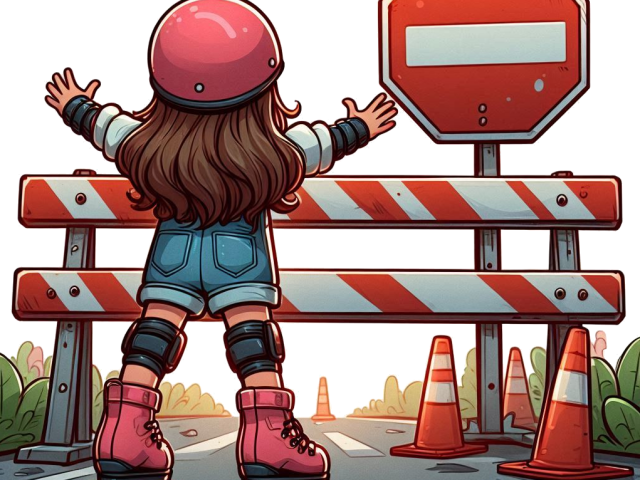
How Digital Accessibility is Like Roller-Skating (Part 3: Roadblocks and manoeuvring)
Whether you are skating or establishing your accessibility program, you need to know how to prevent and manoeuvre around roadblocks.
 Digital Accessibility Non-Technical Roller-skating
How Digital Accessibility is Like Roller-Skating (Part 2: Starting and Staying on a Roll)
Digital accessibility can feel hard when people first start on their journey, just like roller-skating. Once you understand the components of your program how to you get on a roll and keep up the momentum?
 Digital Accessibility Non-Technical Roller-skating
How Digital Accessibility is Like Roller-Skating (Part 1, The Components)
Digital accessibility can feel hard when people first start on their journey, it can take you on odd turns and sometimes you are going to stumble or even need to go backwards to learn how to go forward with confidence. Don’t you wish someone would explain the basics of digital accessibility in an easy-to-understand way? Well put on those skates and lets learn through analogy of skate culture.
 Technical
Why HTML Hates Costume Parties
Just as there are a bunch of rules in life “A baby does not come with an instruction manual”, “the only constants in life are death and taxes”, “never play leapfrog with a unicorn” (just think about the indemnity insurance!) There are also a few critical rules for digital accessibility. One of these is that HTML hates costume parties.
 Digital Accessibility Non-Technical
Free or Low Cost Accessibility Tools to Support Digital Accessibility
In this blog I would like to share information on free or low costs tools which can support teams with their digital accessibility.
 Technical
X Marks the Spot – But Not the Close Button!
While not all scenarios described in this blog where “x” is used would cause a failure of the Web Content Accessibility Guidelines (WCAG), failure to account for some of the items mentioned in this blog can lead to some users being unable to utilise aspects of your website, mobile app or web application. So let’s start looking for buried treasure and find the Xes.